Code in.Videos out.
Project Video Studio is a skill for your coding agent. Point it at any app and it plans, scripts, voices, captions and renders polished tutorial, explainer and promo videos on your own machine.
Works with your coding agent
Just ask your agent for videos
It reads the project first, asks a few setup questions, then runs the whole pipeline: you approve the plan, the scripts and the stills.
✓ Read README, routes and 3 user roles✓ Brand: logo.svg · #6366F1 · Outfit✓ Sound brief: upbeat electronic, crisp clicks? Which video style? → Motion explainer? Format? → 16:9 + 9:16 · Voice? → free (edge)✓ VIDEO-LIST.md: 6 videos in 3 tracks✓ Scripts fact-checked against the code✓ Screens captured as Client, Coach, Admin✓ Voice-over + word timings generated✓ Stills checked · rendering at −14 LUFSInstall once
Clone the skill into your agent’s skills folder (or point any agent at SKILL.md).
Ask in plain words
“Make tutorial videos for this app.” It reads your code, brand and users before asking anything.
Answer a few questions
Style, format, voice, tone, music and how much you want to review. Saved as your defaults.
Get finished videos
Rendered MP4s in landscape and vertical, with thumbnails, captions and YouTube SEO.
Six steps, fully automated
Plan
A video list grouped by who is watching: one topic per video, one track per role.
Script
Scripts fact-checked against your current code, so every label and price is right.
Screens
Playwright signs in as each role and captures real desktop and mobile screens.
Voice
Free neural voice-over (or Azure, ElevenLabs, your own) with a timestamp per word.
Sync
Every animation beat lands on a spoken word. Edit the script and the timing follows.
Check & render
Still-frame review, then a render queue normalised to −14 LUFS, plus thumbnails and SEO.
Pick your style
Five looks out of the box, mixed freely inside a video. Every frame below was rendered by the kit.
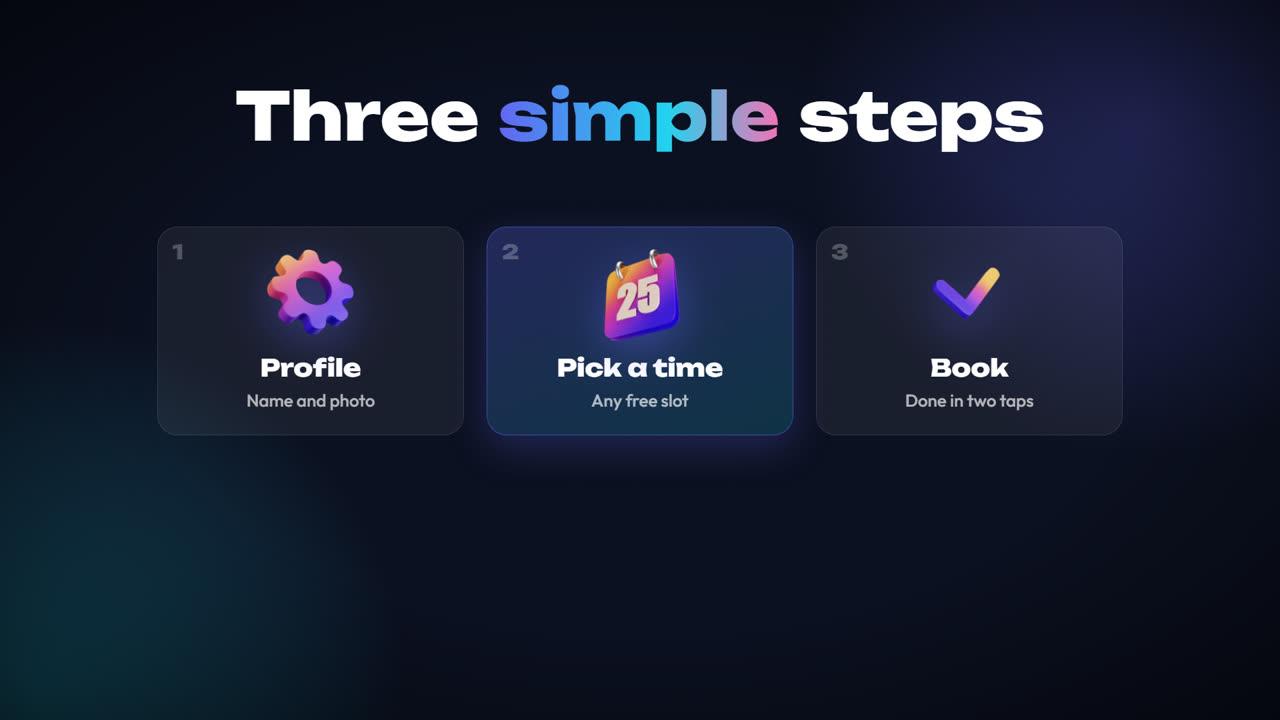
Motion explainer
Animated scenes, 3D icons and kinetic headlines mixed with your real screens.
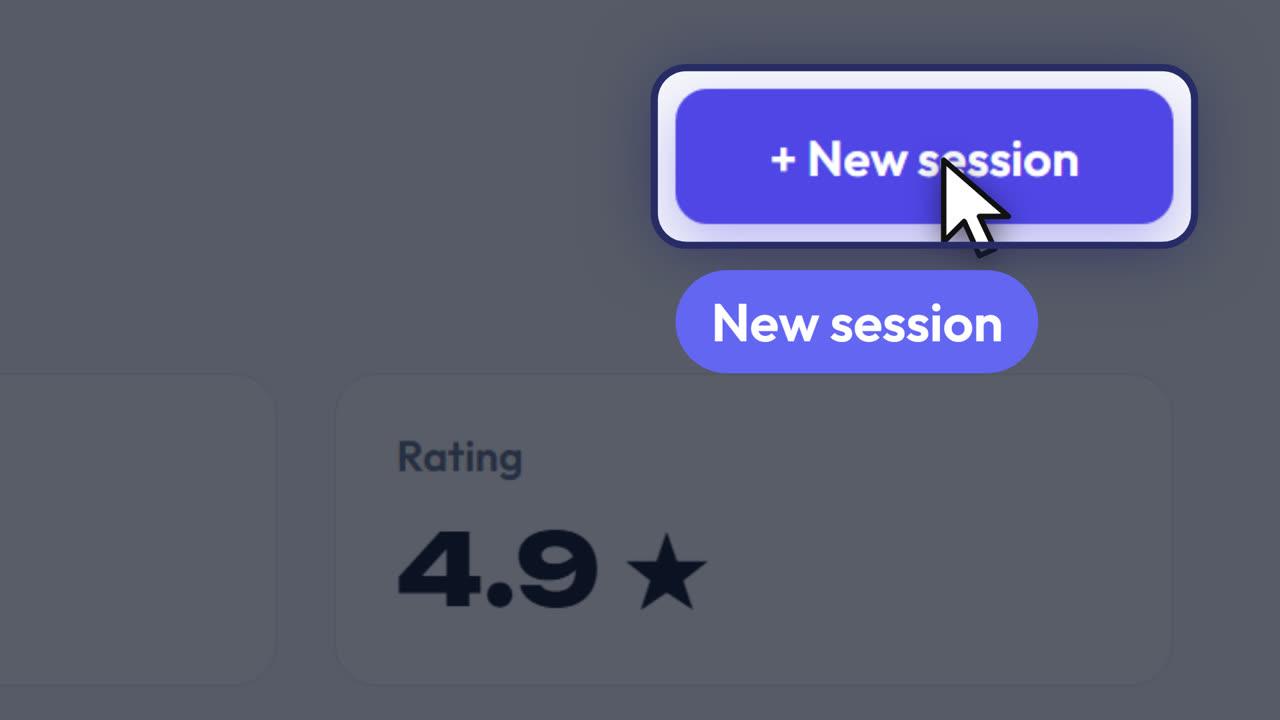
Screen tour
Zooms, a clicking cursor and a spotlight on the exact button the voice names.
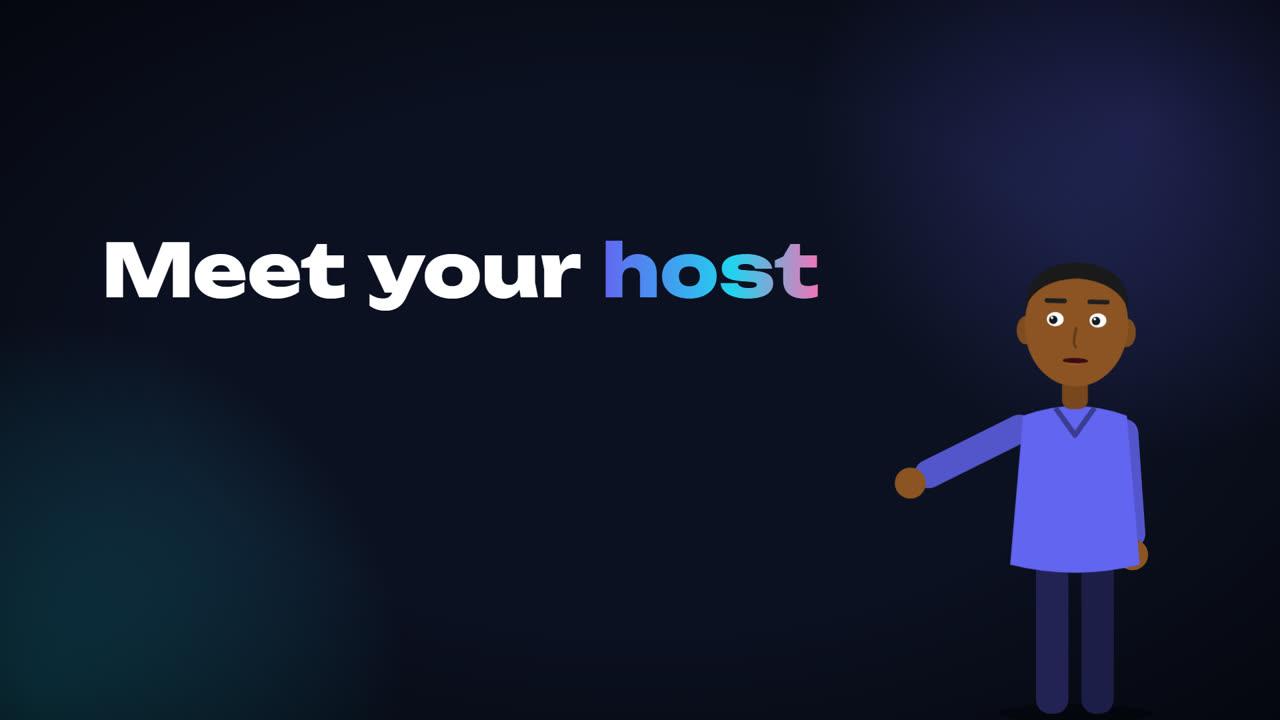
Animated presenter
A cartoon host who lip-syncs to the voice-over, blinks and points.
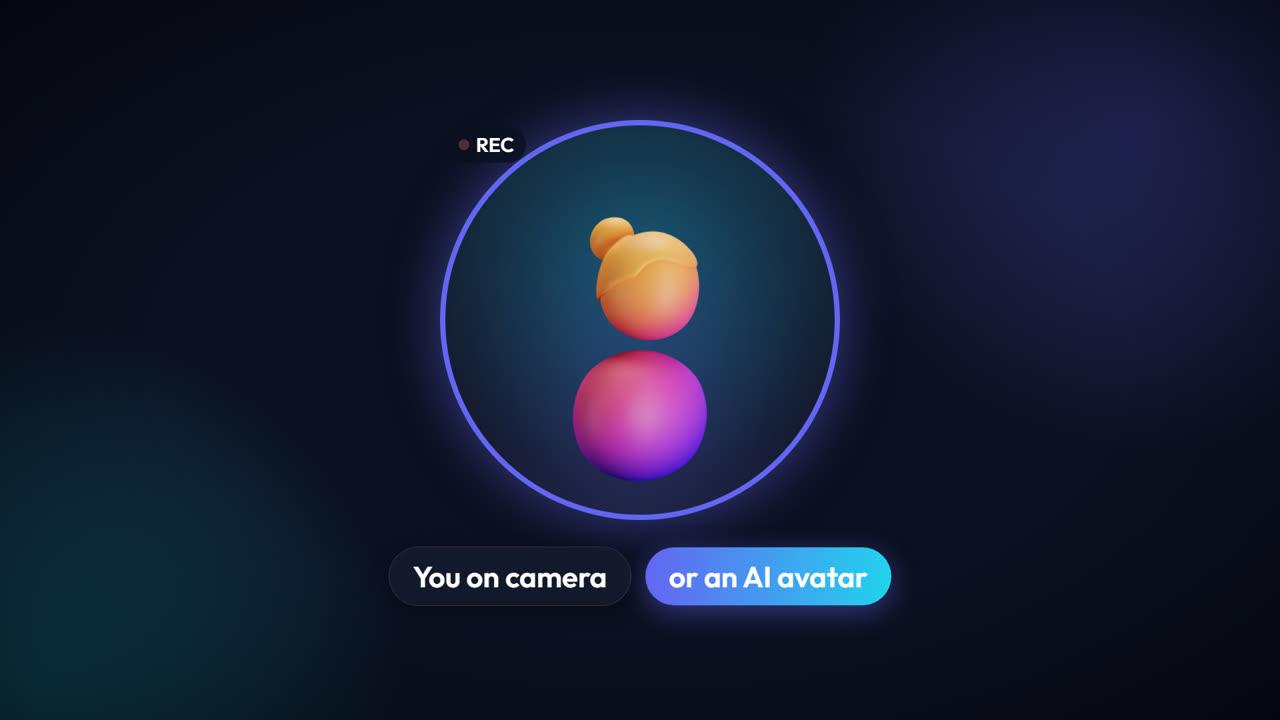
Real person or AI avatar
Your own recordings, or a HeyGen / D-ID avatar, with captions kept in sync.
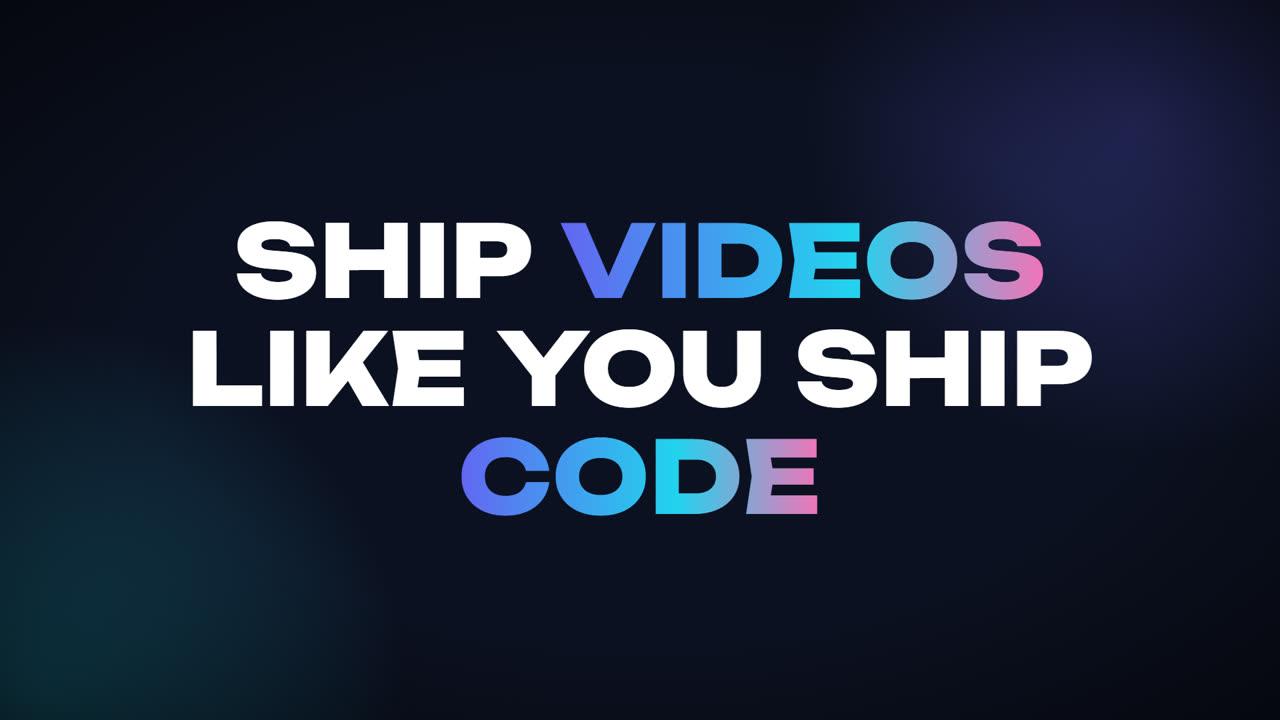
Kinetic text
Bold, music-led typography for Shorts, ads and teasers.
One video, every format
Scenes are laid out from the stage size, so the same episode renders cleanly in all three shapes.
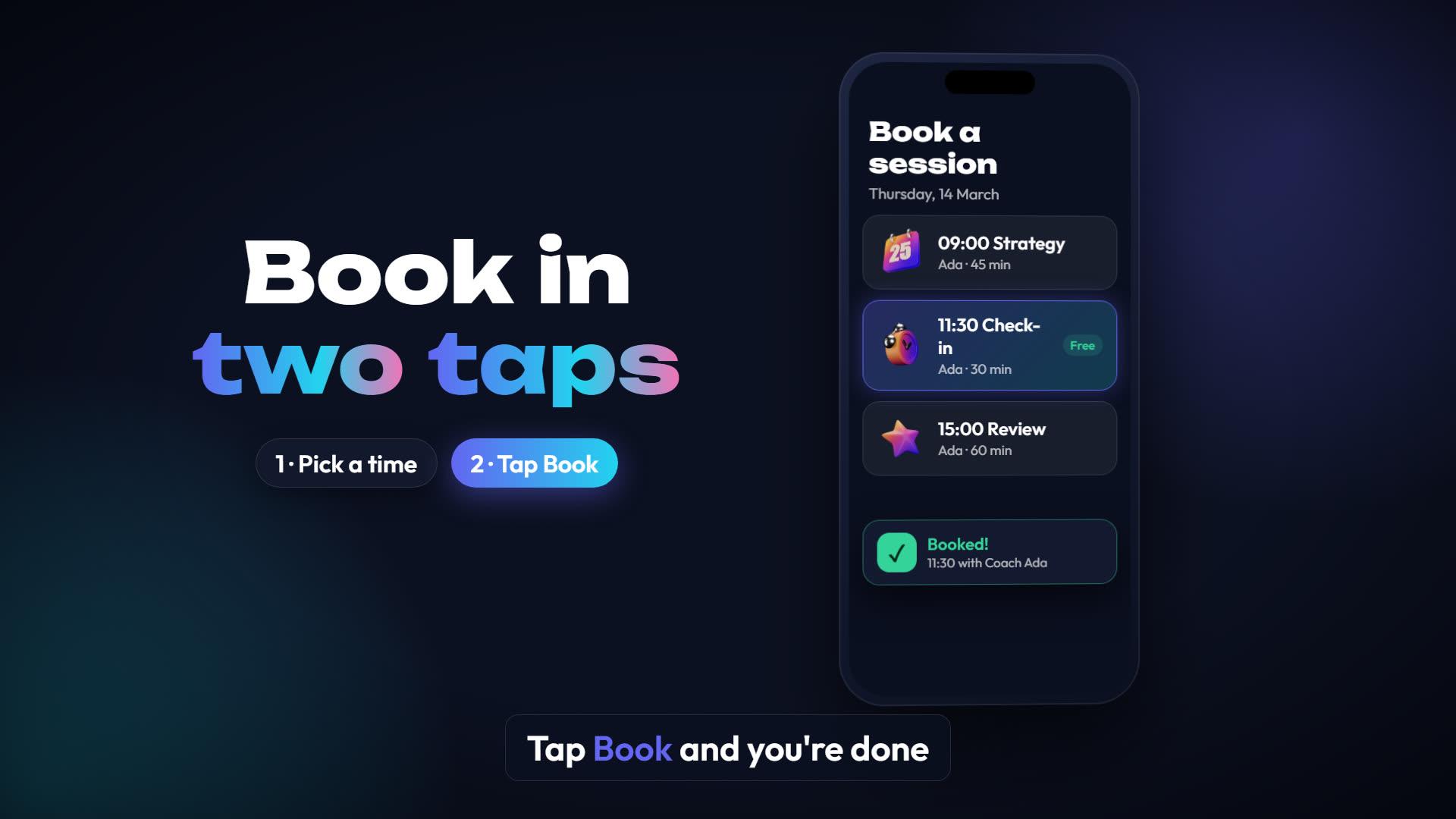
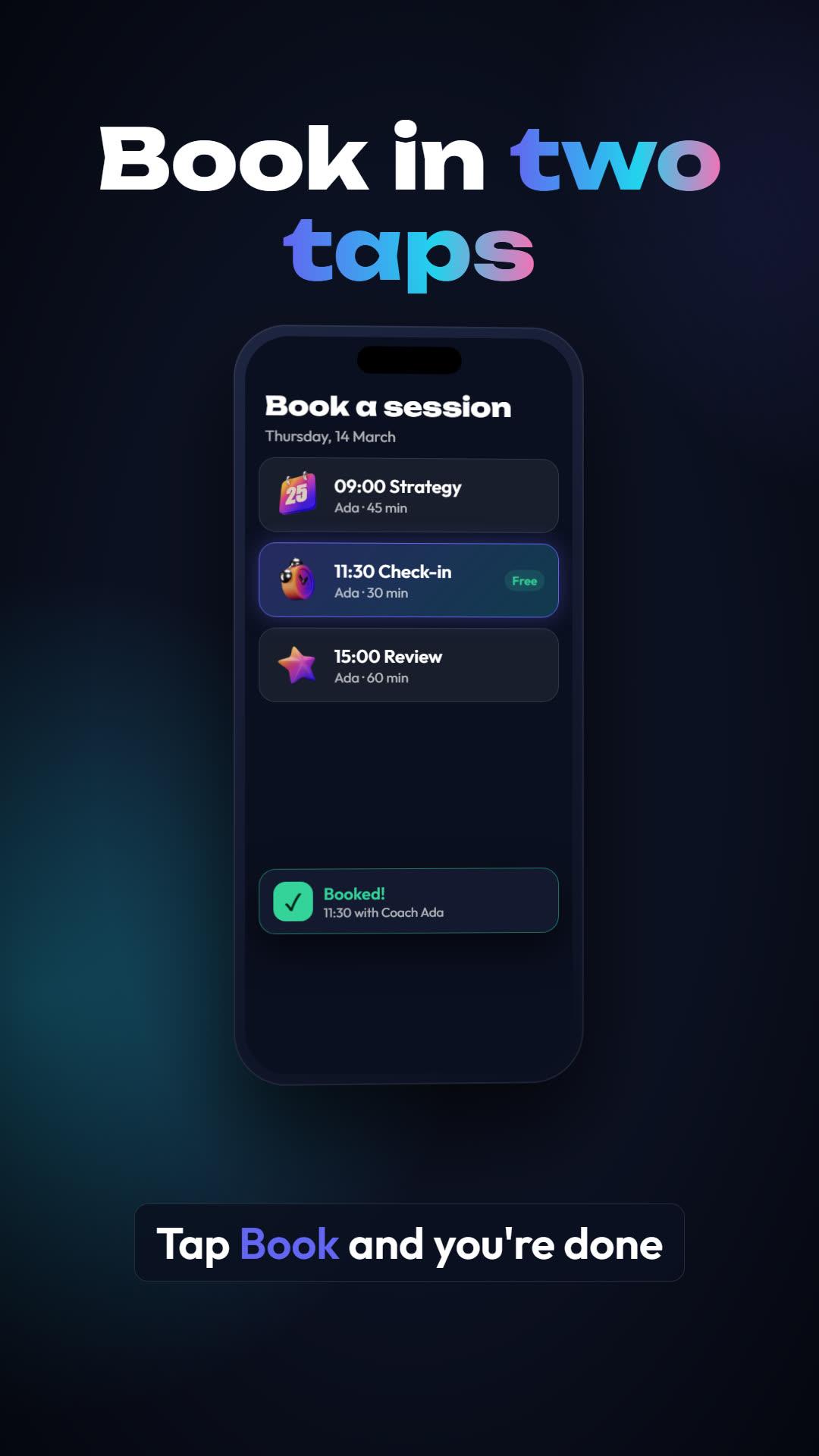
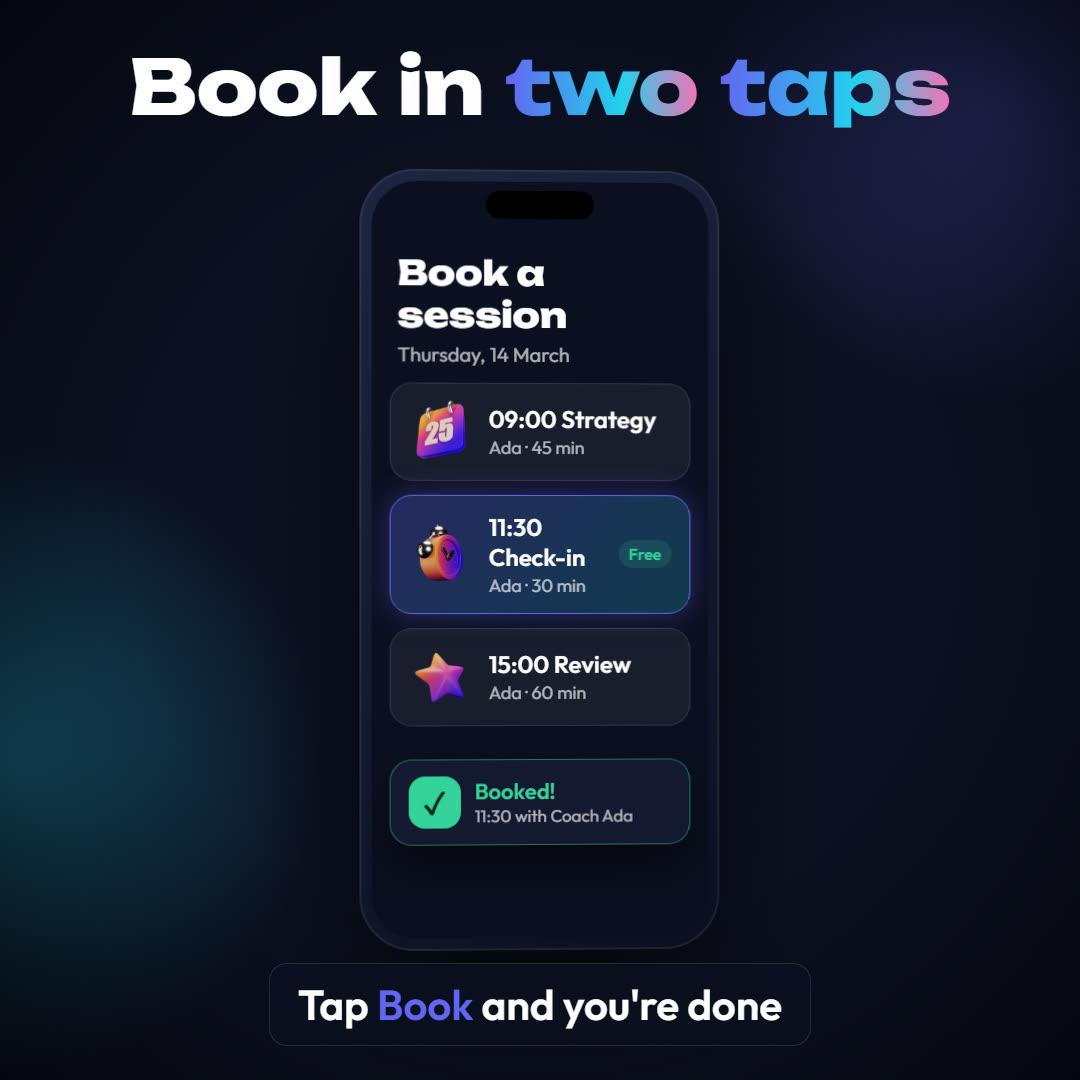
The extras, done for you
Reads your codebase
Product, routes, user roles and flows, from the code itself.
Brand detection
Finds your logo, colours, fonts, name and URL automatically.
Sound brief
Music and effects that fit the product: playful, calm or punchy.
Burned-in captions
Word-by-word highlighted captions from real voice timings.
Thumbnails
Click-worthy thumbnails in a consistent series style.
YouTube SEO
Titles, descriptions, tags and chapters, generated per video.
License credits
Open-licensed media only, with CC BY credits added for you.
System check
Checks your PC and estimates render time before a batch.
Safe upgrades
Update the kit later without touching your episodes, with backups.
Up and running in three commands
$git clone https://github.com/spiritphilip/project-video-studio ~/.claude/skills/project-video-studio$pip install edge-tts$node ~/.claude/skills/project-video-studio/scripts/doctor.mjs
Claude Code picks the skill up from ~/.claude/skills automatically. Then, inside any project: “Make tutorial videos for this app.”
| edge-tts (default) | Voice-over + word timings | Free, no key |
| Azure Speech | Same voices, official API | Free tier |
| ElevenLabs | Most natural voices | Paid, optional |
| Openverse | Music + sound effects | Free |
| Pexels / Pixabay | Stock footage | Free key, optional |
| HeyGen / D-ID | AI avatar presenter | Paid, optional |
| Video | 4 cores, 8 GB | 8+ cores, 16 GB |
|---|---|---|
| 30 s | 4–8 min | 1–3 min |
| 60 s | 8–15 min | 2–5 min |
| 90 s | 12–20 min | 3–7 min |
| 3 min | 25–40 min | 6–14 min |
No GPU needed. Run doctor --bench to measure your own machine.
Made by developers, for developers
Live from GitHub: stars, forks, contributors, and stories from people shipping videos with it.
Built with it
Made a video with Project Video Studio?
Share it and your story could be featured here.
Questions, answered
Is Project Video Studio free?+
Yes. The skill is MIT licensed, the default voices (edge-tts) and music (Openverse) are free, and it renders on your own computer. It uses Remotion, which is free for individuals and companies of up to 3 people; larger companies need a Remotion company license.
Which coding agents does it work with?+
Claude Code, Codex CLI, Gemini CLI, Cursor, Windsurf, Cline, Roo Code, OpenCode, Aider and any agent that can read files and run commands. There is also a terminal wizard if you do not use an agent.
What kinds of videos can it make?+
Step-by-step tutorials, explainers, onboarding clips, feature updates and launch promos, in five styles: motion explainer, screen tour, animated presenter, real person or AI avatar, and kinetic text.
Do I need a GPU or video-editing skills?+
No. Rendering runs on the CPU. A 90-second video takes about 3–7 minutes on an 8-core PC and 12–20 minutes on a 4-core laptop. The agent writes the scripts, captures screens, voices and builds the scenes for you.
Can I use my own voice or a premium voice?+
Yes. Besides the free voices you can use Azure Speech (free tier), ElevenLabs, or your own recordings. Captions stay word-timed either way.
Which formats does it export?+
Landscape 16:9 for YouTube, X and LinkedIn, vertical 9:16 for Shorts, Reels and TikTok, and square 1:1, with thumbnails and YouTube titles, descriptions, tags and chapters.
Built by Spirit Philip
MIT licensed and open to everyone. Star it, use it in your projects, and contribute new styles, voices and media sources.